Available payment methods: American Express logoApple Pay logoDinesclub logoDiscover logoGoogle Pay logoMastercard logoUnion Pay logoVisa logo
RB export video template
Bootstrap Studio icon

 RBexport SCRIPT

Discount

-70%

Last Chance

Last day to Grab this BIG Promo

Introducing a brand-new exporting script for the renowned Bootstrap Studio, developed in Delphi and tested for over 36 months across a hundred projects.

RBexport SCRIPT
Can be used for a lifetime: RBexport
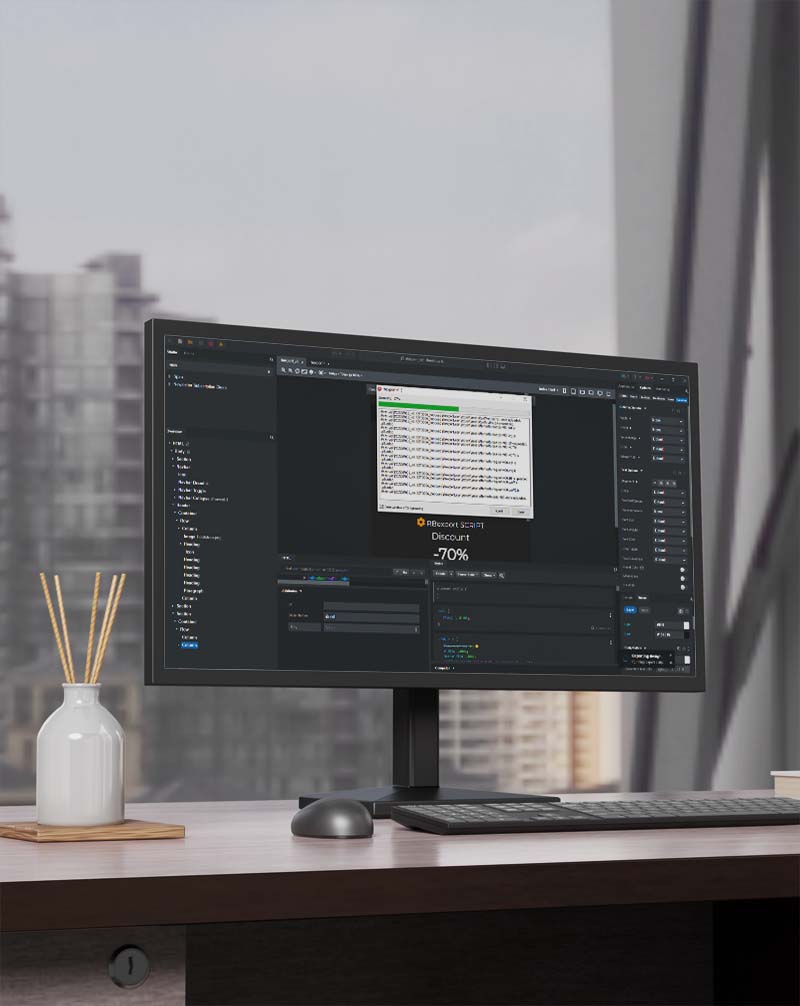
Monitor and RB Export

Try it and export your projects directly to the server via FTP connection.

Our app is available on any windows device! Download now to get started!

THE SCRIPT DOESN’T CONTAIN ANY DATA TRANSFER CONCERNING STATISTICS OR PERSONAL DATA

A "How to use" tutorial can be seen in the video below
Go to Export Settings > Advanced > Export Script in your
Bootstrap Studio project and enter the name of the exe to use it.

Properties

Check export script to easy work


Settings

  • exe extension launchable after export
  • each project can be parameterized
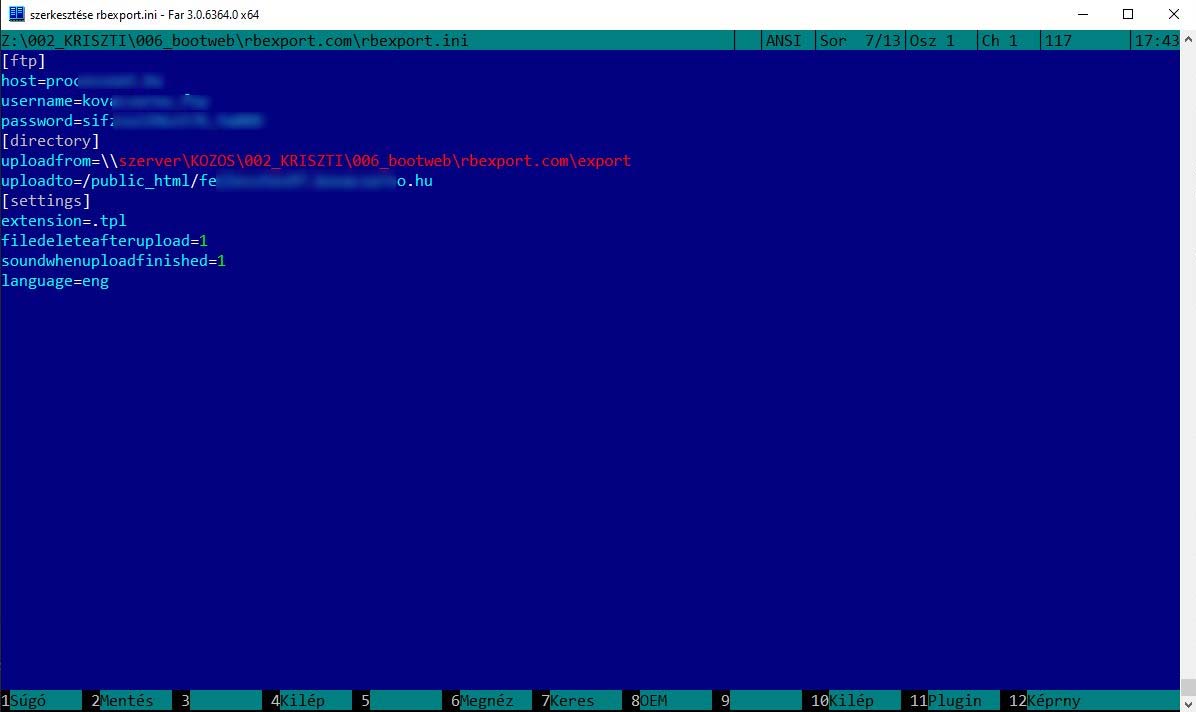
  • easy to adjust in ini extension with a word processor (wordpad, notepad etc.)
  • FTP connection and adjustable destinaton directory

More Settings

  • compatible with all versions of Bootstrap Studio
  • Tested with many projects including websites displaying world championships
  • From – To upload settings
  • Windows paths and network address can be used (directory path, network host or IP address)

Extra Settings

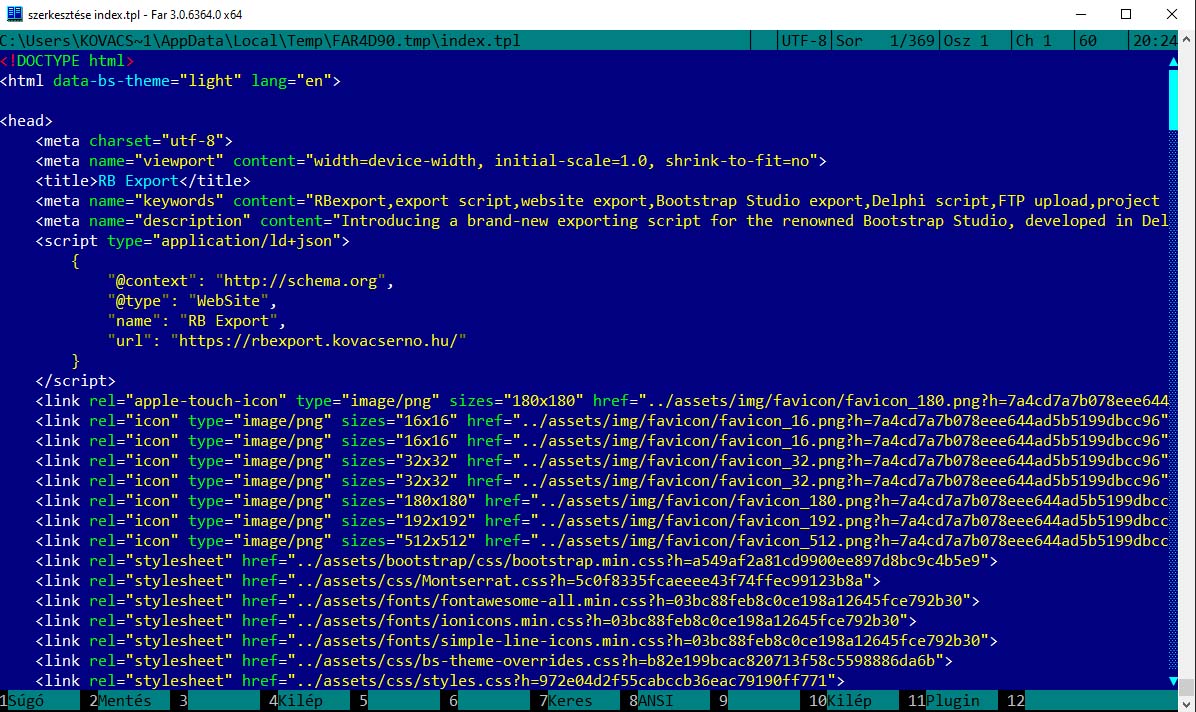
  • custom extensions (php, inc, tpl)
  • deletion of files uploaded after export can be enabled or disabled 
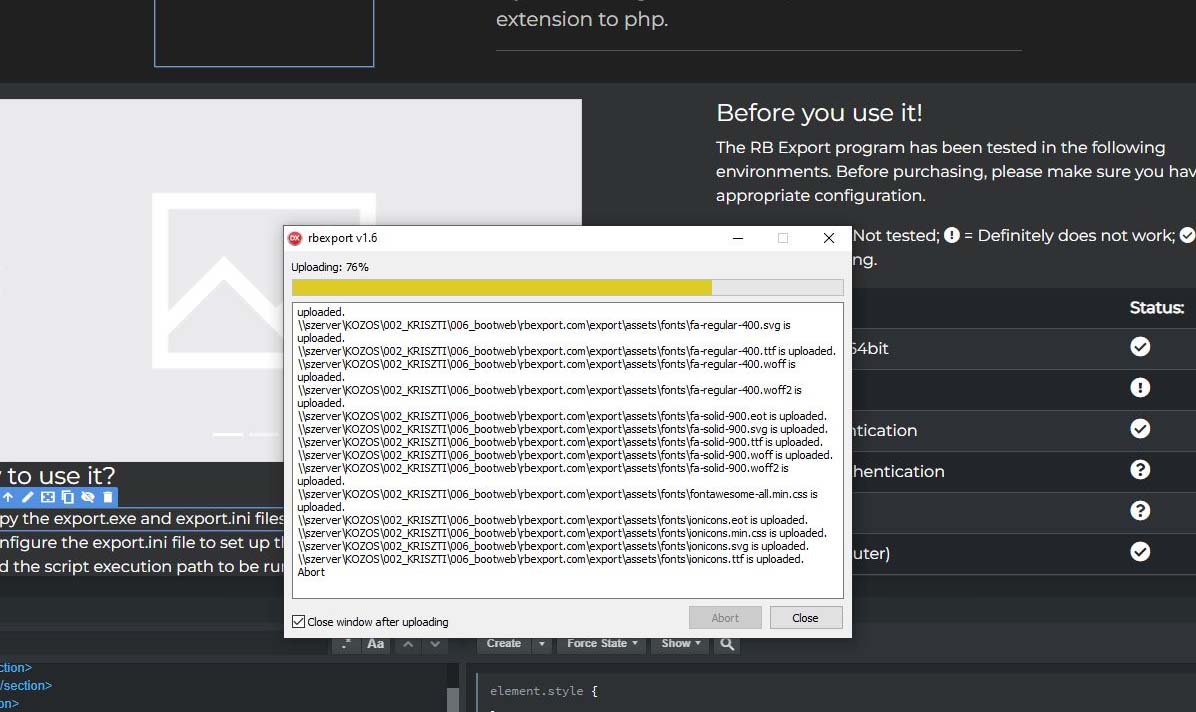
  • visible uploading process
  • sound notification after completed upload can be enabled or disabled

More Exra Settings

  • Runnable via VPN
  • Installation isn't necessary
  • Can be used for a lifetime
RBexport SCRIPT
New generation export

 IMPORTANT! 
Incorrect configuration can cause errors,
so be sure to check the paths

Tips

Explore Your Options

If you aren’t fully sure, set the filedeleteafterupload value to 0 in the ini file, so the files won’t be deleted if the names are incorrect.


If you are uploading a big project turn on the speakers and you will be notified if the upload is complete.


If you are using a template operator system set the extensions to the right variety that your framework uses.


If you are using PHP don’t forget to set the extension to php.


How to use it?

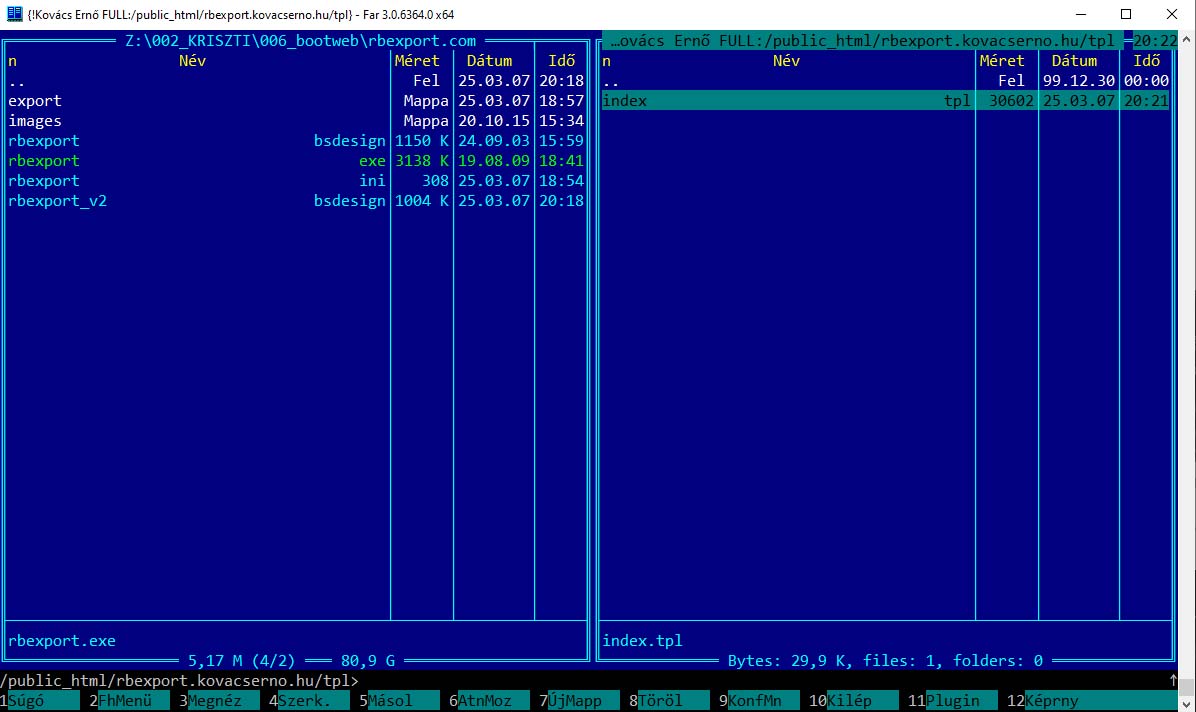
  • Copy the export.exe and export.ini files into your working directory.
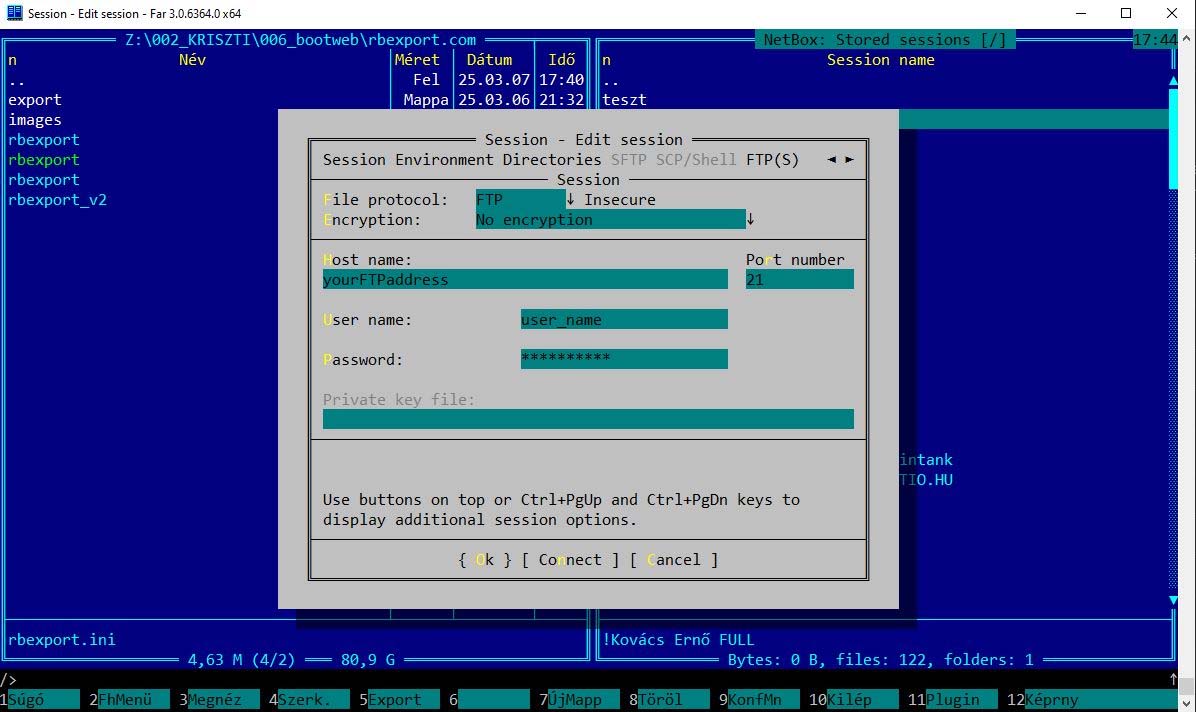
  • Configure the export.ini file to set up the FTP connection, file extension, and the script execution path to be run after the FTP upload.
  • Set the export directory in Bootstrap Studio for saving the static files.
  • Set rbexport.exe to run after the export process.
  • Start the export!
  • Wait until you hear the notification sound!
  • The script has finished, and the files have been uploaded to the server!

Before you use it!

The RB Export program has been tested in the following environments. Before purchasing, please make sure you have the appropriate configuration.

Icon legend:  = Not tested;  = Definitely does not work;  = Tested and working.

Aspect: Status:
Windows 10 32/64bit
Linux / MAC
FTP with authentication
FTP without authentication
SFTP
Local (My Computer)
Local network
VPN
DOWNLOAD Your
RBexport SCRIPT
DOWNLOAD HERE!

After your purchase, we will send you the password via email, which you will need to extract the ZIP file.

In case of any issues, please contact us at kerdesemvan@kovacserno.hu

Get Your
RBexport SCRIPT
Get -70% Discount

The script is a one time
purchase and costs only $6

Available payment methods: 
American Express logoApple Pay logoDinesclub logoDiscover logoGoogle Pay logoMastercard logoUnion Pay logoVisa logo